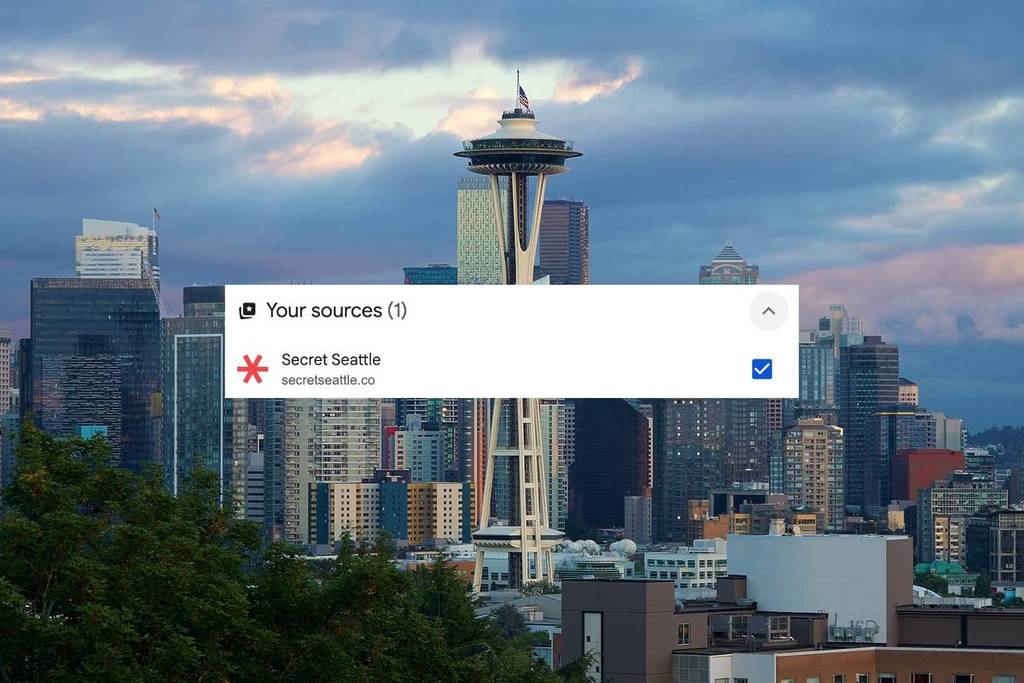
Looking for the latest Seattle news and tips? Google has made it easier to find the results you’re looking for, via a new personalization feature that lets you customize your Top Stories feed. Now you’ll be able to see the updates that matter most to you.
This new feature is called preferred sources. It gives you more control over the news outlets, guides, and articles that are shown on your Google news feed—such as Secret Seattle!
If you love Secret Seattle, we’d love to have you see more of us, more easily. So here’s how to add us to your “preferred sources” so you can always be in the loop with our content.
What is a preferred source?
A preferred source is any news outlet or website that you select to see highlighted on Google’s Top Stories.
Once you set a preferred source, you’ll start to see more of that source’s articles in your Top Stories—as long as that source has content that is relevant to what you’re searching for.
This is a great way to get trusted, hyper-local updates in your Google search results without having to track them down manually.
Why Secret Seattle should be your first choice
Here at Secret Seattle, our mission is to keep you informed with helpful and timely updates about all things Seattle. We work hard to share:
- 🏔️ All things Seattle — from breaking local news to neighborhood gems.
- 🍴 Food & drink guides — everything from the best matcha spots to Seattle’s hottest rooftop bars.
- 🎉 Events & seasonal activities — we have your Seattle fall bucket list as well as new things to do every weekend.
- ⚡ Real-time updates — so you’re the first to know what’s happening in the Emerald City.
Our content is read and trusted by thousands of readers every month, in addition to our community of 225,000+ total followers on Instagram and Facebook.
How to add Secret Seattle as a preferred source on Google
So, you’re on board? Great! There are a couple of easy ways to do it.
The fastest way:
👉 Click this link to go directly to Google News, search for Secret Seattle, and click the check mark.
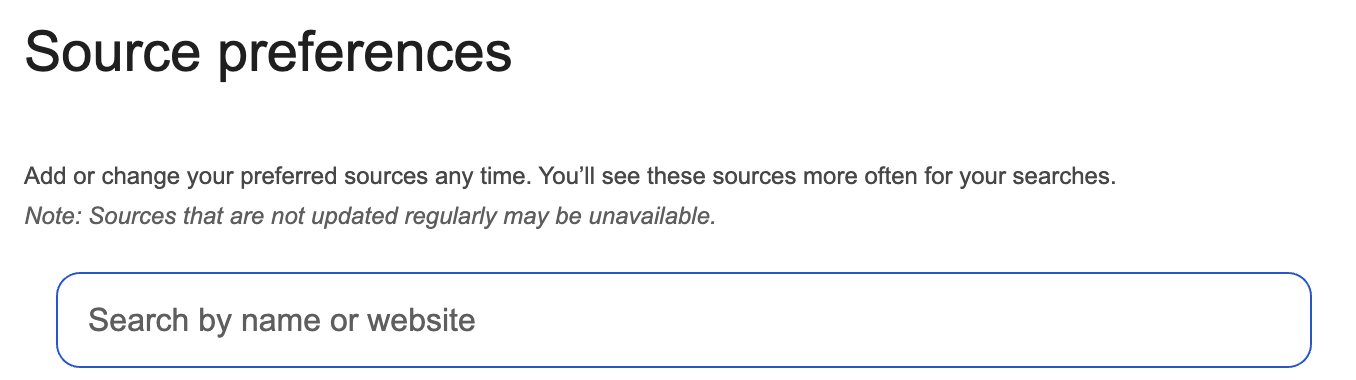

Through Top Stories:
- Search for any news topic on Google.
- Tap the icon to the right of Top Stories.
- Search and select your preferred sources (hint: add Secret Seattle).
- Refresh your results.

Note: You’ll still see plenty of content from other outlets including ours, and you can update your preferred sources anytime.
What you’ll get once Secret Seattle is a preferred source
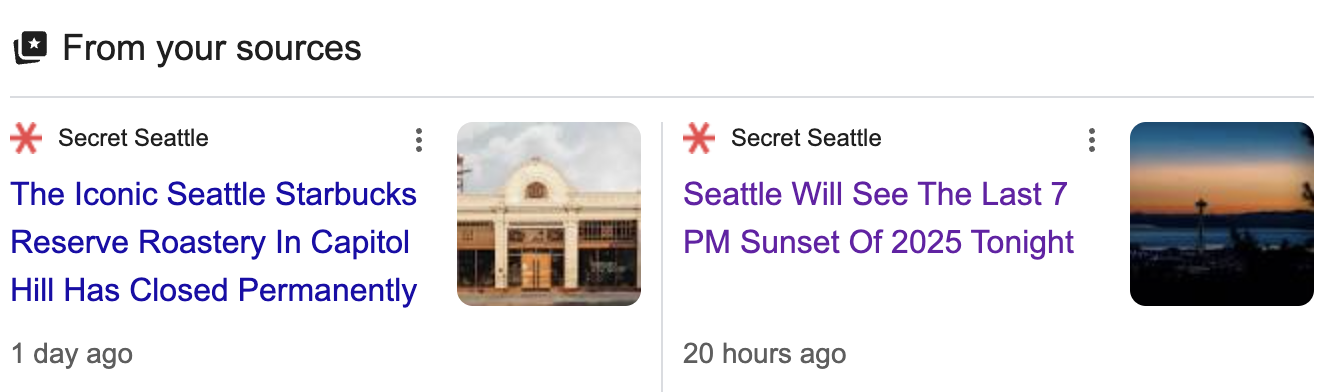
Once you’ve added Secret Seattle as a preferred source you’ll notice:
- 📰 More of our latest stories in your Top Stories feed.
- 📌 A special “From your sources” carousel featuring our newest guides and breaking news.
Now you can enjoy fresh, curated local coverage from Secret Seattle as well as your other favorite trusted sources.